
Linking Smart Devices Made Simple
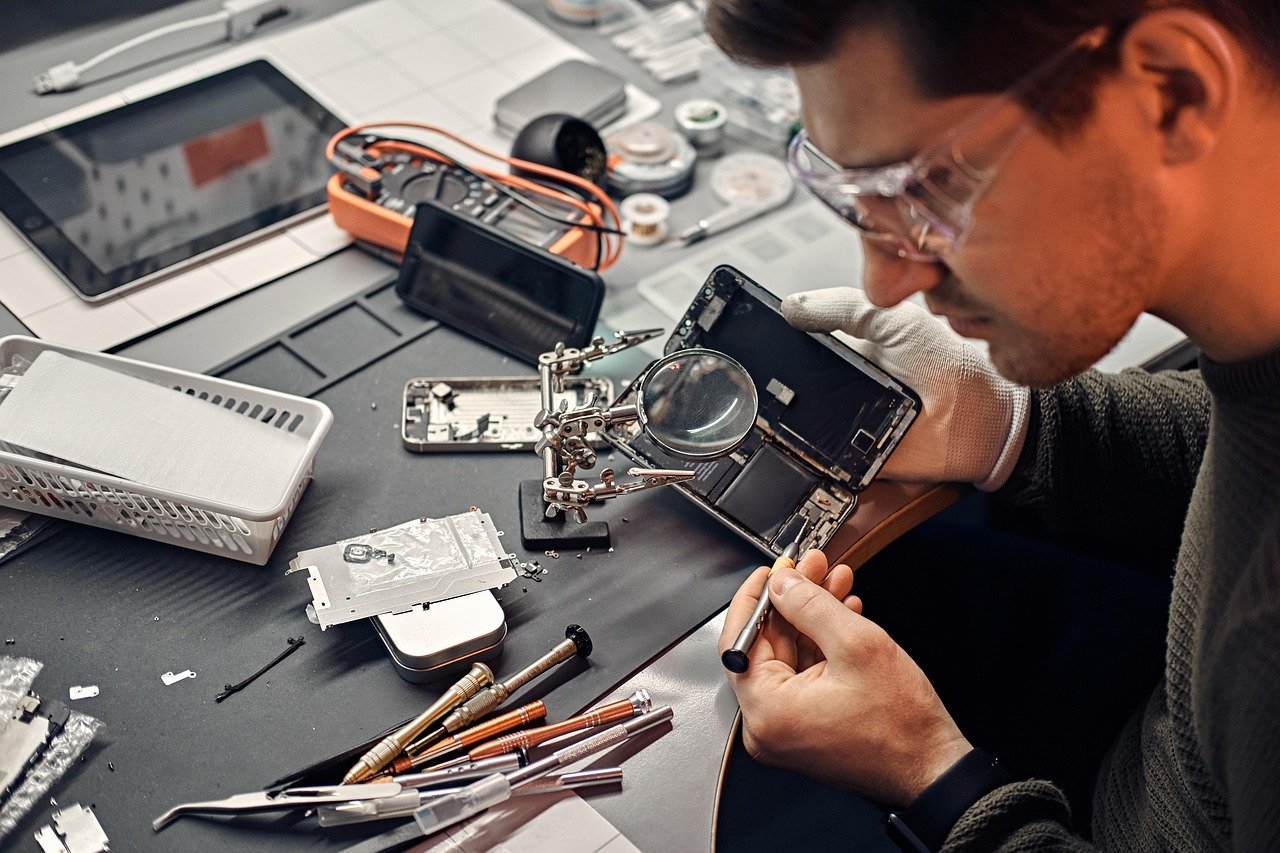
With homes and offices filled with laptops, tablets, phones, and other smart devices, being able to connect and pair them easily is more important than ever. But the process doesn't need to feel technical or complicated.
Why Pair Devices?
Linking devices allows you to share content, sync notifications, access cloud-based tools, and control accessories (like speakers, monitors, or storage drives) wirelessly. It creates a more seamless digital experience.
Steps to Link Devices Successfully
Follow these safe and simple guidelines to get your devices paired with confidence:
- Ensure Bluetooth or Wi-Fi is enabled on both devices
- Go to your device settings and choose "Pair New Device" or "Find Devices"
- Select the target device from the available list
- Confirm the connection (some devices may ask to verify a code)
- Check for connection success and test sharing/mirroring functions
Things to Keep in Mind
Not all devices support every type of connection. Ensure both devices are compatible and up-to-date. If you're facing trouble, try restarting both devices and clearing existing pairings before retrying.
Need a Hand?
If you're setting up a home office or trying to sync new equipment, Device Ease Ltd offers simple, jargon-free assistance to help you get started. We avoid unnecessary software installs and guide you through what’s already available on your devices.
Keep your setup smooth, fast, and under control with clear guidance. We're here to make everyday device connections feel easy.